Services grouped the way drivers describe them.
Brakes, tires, warning lights, noises, no-starts, oil and maintenance. Not a parts catalog.
The check-engine light comes on near Route 41. They pull over, search, and pick a shop before the light goes off on its own. Your site gets about a minute.
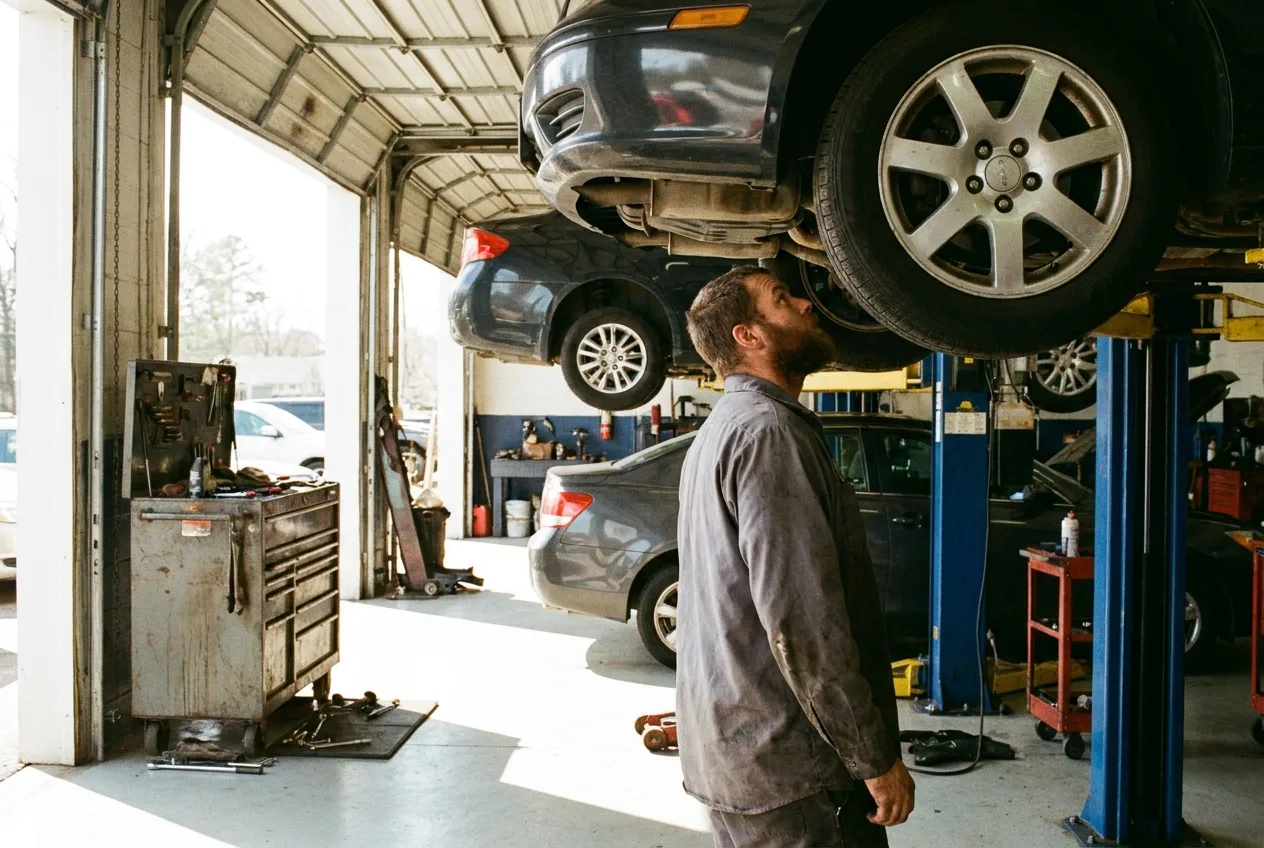
A driver on the side of the road is doing quick math. Is this shop open. Do they work on a Honda. How much is it going to cost me just to find out what is wrong. Where do I leave it if I get there at six.
They are not reading about your ASE certifications yet. That comes later, once they have decided you are a real shop worth calling.
Most auto shop websites answer the wrong questions. They talk about quality service and customer satisfaction, and they leave the hours in an image in the footer. We build the other kind.
The same minute plays out at a bay in Gurnee, a shop in Waukegan, or anywhere else in our service area.
Makes matter. A Subaru owner and a diesel truck owner both want to see their vehicle named before they call.
This is the number that stops most calls. Put your diagnostic fee on the page, or say plainly how you handle it. Either is better than nothing.
Today's hours, on every page, in real letters a phone can read out loud. Not in a picture.
After-hours key box, where to park, whether they can leave it overnight. Say it in one short paragraph.
Half your visitors are within two miles and cannot find your driveway. A tap that opens their map app does more than a photo of the building.
Brakes, tires, warning lights, noises, no-starts, oil and maintenance. Not a parts catalog.
What you do, what it costs, how long it takes, and why you cannot quote a repair from a phone call. It saves your service writer the same conversation ten times a day.
If you do not touch European diesels or you do handle fleet work, that goes where people will see it.
Fixed to the bottom of a phone page, so a driver never scrolls to find them.
Requesting a time is not a confirmed appointment. We write that plainly so nobody shows up expecting a bay.
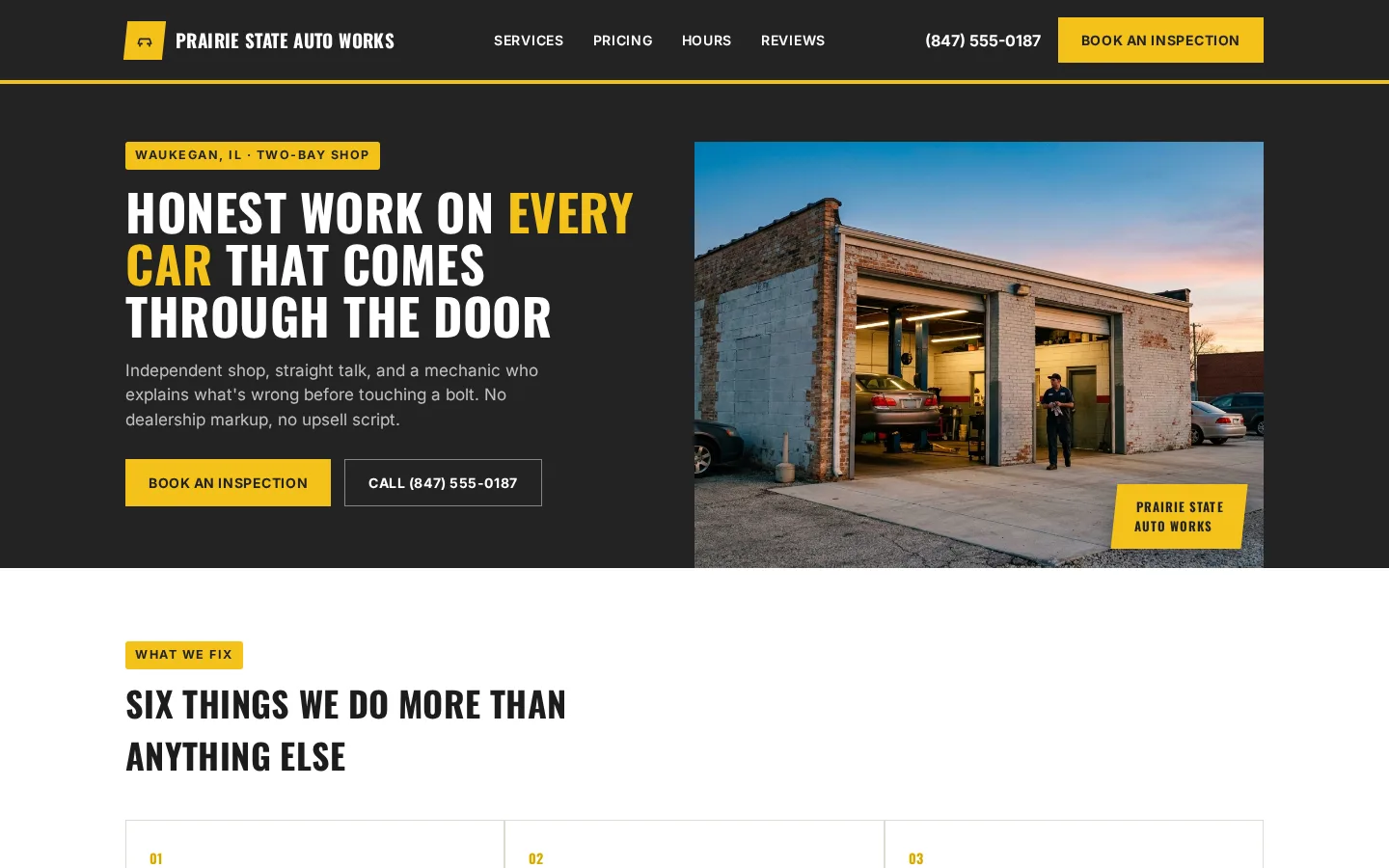
A spec build we made to show what a shop's site can look like. The shop is invented. The decisions are real.
$0 website build fee. $297 a month. That covers the build, hosting, one domain up to $25 a year, and small updates as your hours and prices change. A new page or a redesign is quoted separately. Every price and every term is written out in one place.
The Enhanced plan is $349 a month. It adds an online calendar so a driver can book a drop-off time without calling, and online invoices so they can pay before they come get the car.
You get a private link to read the whole site first. Billing starts the day you approve it and it goes live, prorated for the days left in the month. Cancel any month with five business days' notice before month end. See how the build itself runs, step by step.
Usually not, and we will not invent them. Put the diagnostic fee on there and explain how estimates work after the inspection. That answers the real question without boxing you in.
The site takes a request and tells the driver when you will call back. If you use a scheduling tool already, tell us which one and we will work with it.
We put that near the top. Turning away the wrong car on the website is cheaper than turning it away in your parking lot.
No. Build pages for the work you want more of and the symptoms people search. The rest can live on one services page.
Emergency repairs split from planned work, with the service area readable from a phone.
A service menu with real prices, and a design that matches what you charge.
Storm-week pages built for a homeowner comparing local crews at once.
See every trade we build for, including the businesses without a guide page yet.
Tell us about your shop. We build the site, you read it on a private link, and billing starts only when you say go.